
Business Systems
What Is a Client Portal?
A client portal explained: what it is, what belongs inside one, and why service businesses are adopting them.
On this page
A client portal is a private online space where your customers see everything about their work with you — without emailing you for status.
What Lives Inside a Portal
- Project overview — what is happening, what stage each piece is at
- Documents and deliverables — invoices, proposals, files, all in one place
- Communication — messages tied to the project, not buried in WhatsApp
- Payments — invoices with status and receipts
- Requests — clients submit new tasks or feedback in a structured way
Why Businesses Adopt Them
- Fewer status emails. "Just checking in" disappears when progress is visible.
- Professional image. A portal signals a serious operation — it closes deals.
- One thread per project. Nothing lives only in someone's inbox.
- Faster payments. Invoices are seen, tracked and settled sooner.
Portal vs Sharing Folders
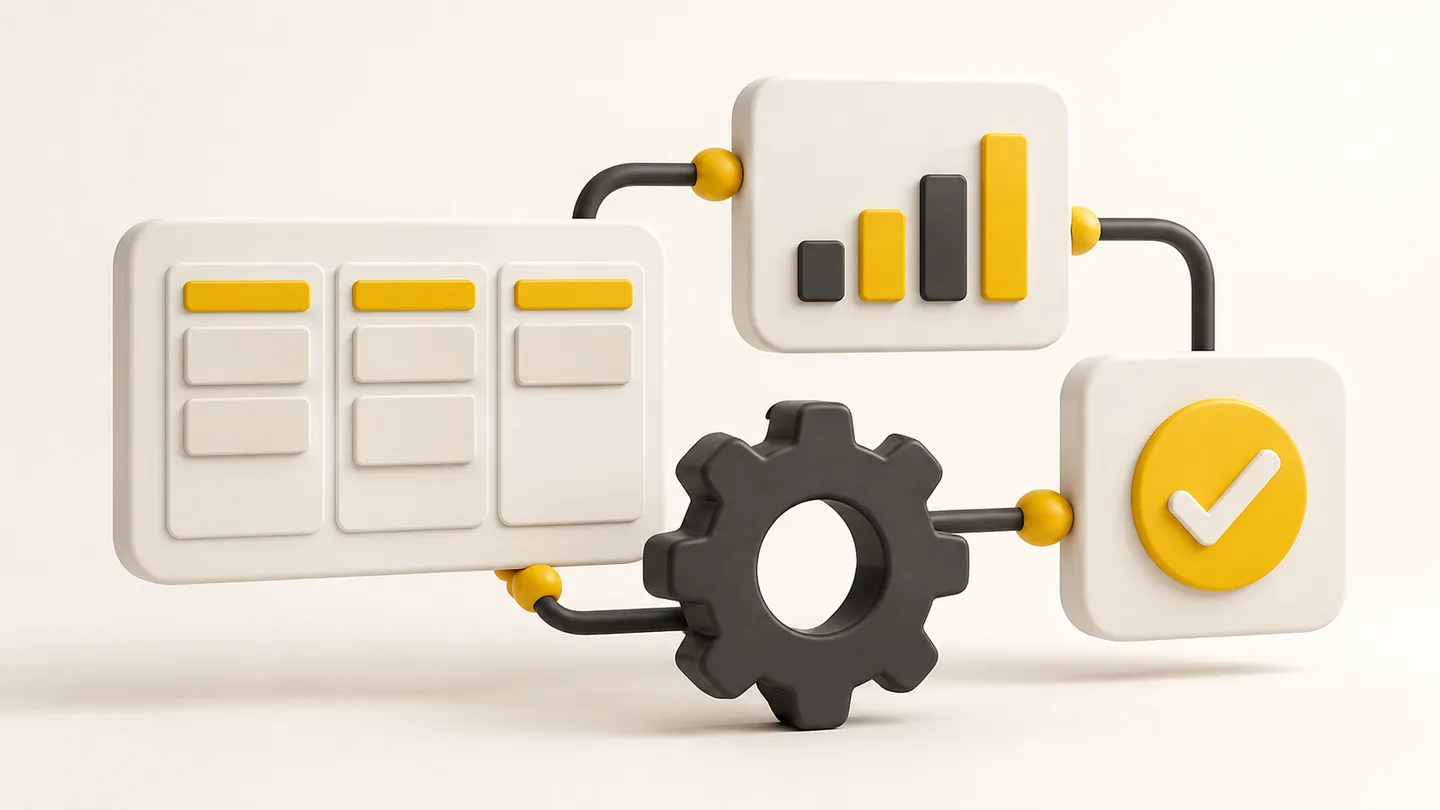
A shared Drive folder holds files; a portal holds state — approvals, stages, balances, requests. State is what reduces admin, because the system, not memory, knows what is outstanding.
What Makes a Good Portal
- So simple a client never needs training
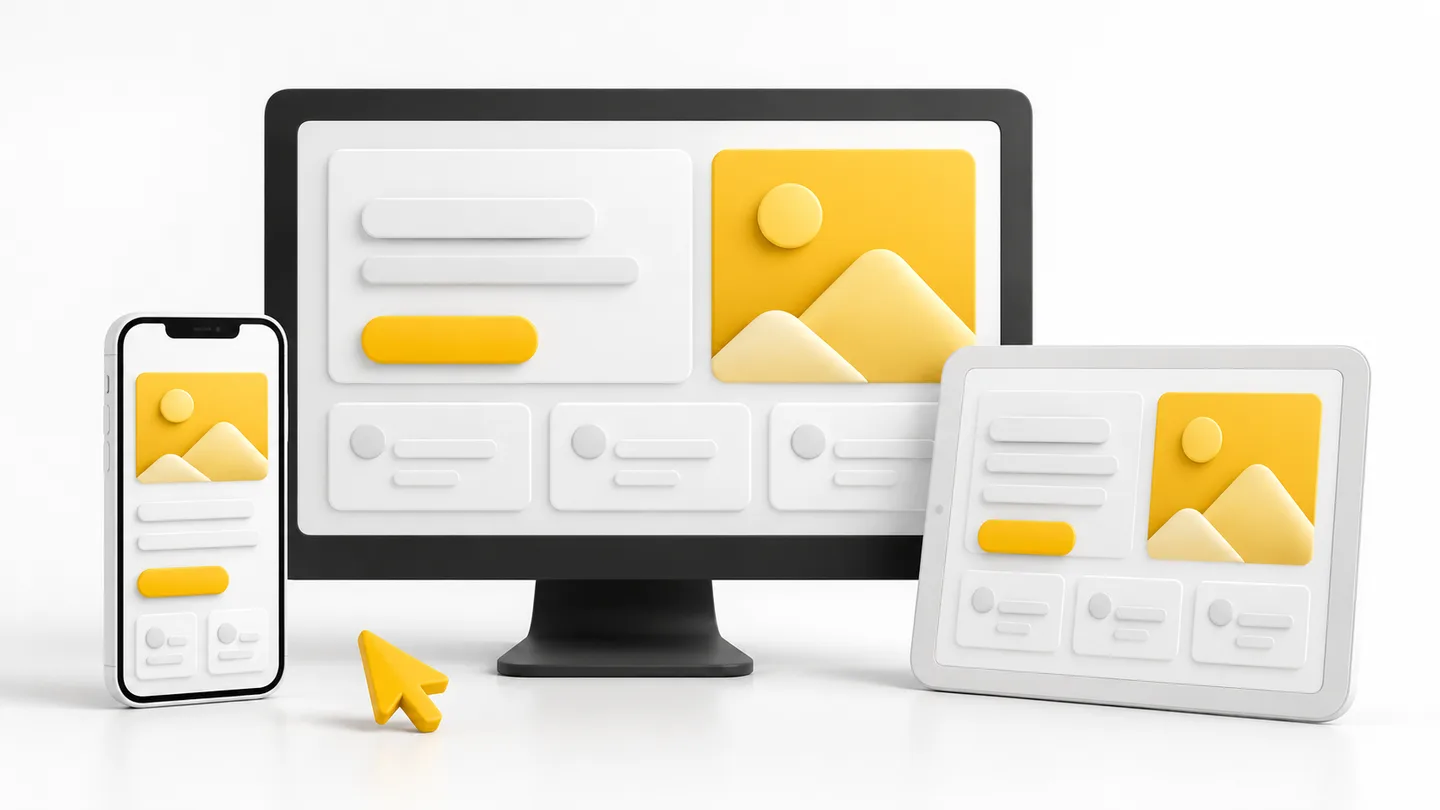
- Mobile-friendly — clients check from phones
- Notifications where clients already are (email/WhatsApp), pulling them in
- One admin view for your team: everything across all clients
Who Benefits Most
Agencies, consultants, developers, designers, accountants, event planners — anyone delivering ongoing work to named clients. If you send updates, files and invoices to the same people repeatedly, a portal removes that entire email category.
ArcStack's own client portal does exactly this for our projects — we built it because we needed it. That is usually the best test: would your clients thank you for one?
Written by
Thamilnilavan